AI coding agents are useful, but only if you treat them like a fast junior engineer, not like a magic autopilot.
I use them to save time on repetitive work, explore code paths, draft changes, and help me understand a messy repo faster. I do not let them roam free in production, guess at infrastructure changes, or push anything without a review loop.
That sounds obvious, but once you start using agents every day, the boundary matters. A small mistake in a normal app codebase is annoying. A small mistake in an AWS codebase can become an IAM problem, a deployment problem, or an expensive surprise.
So I built a workflow that keeps the speed and removes most of the risk. This post is the version I actually trust.
If you want the short version, my rule is simple: the agent can suggest, but it cannot decide alone.

Photo by [cottonbro studio](https://www.pexels.com/@cottonbro) on [Pexels](https://www.pexels.com/photo/hands-on-a-laptop-keyboard-5474295/)
## Where AI Agents Help Me Most
The best use of an AI coding agent is not "write my whole app". The best use is the boring stuff that still takes time.
Here is where I actually use them:
- explaining a code path before I touch it
- finding similar patterns across a repo
- drafting a refactor that I will inspect line by line
- generating tests for a change I already understand
- summarizing logs, error traces, or a failing deployment path
That last one matters a lot in AWS work. When a deployment breaks, I do not want an agent guessing. I want it to read the logs, compare the last good deployment with the broken one, and point me to the likely file or config that changed.
This is the sweet spot. The agent saves time, but I stay in charge of the actual decision.
The moment I start asking it to invent architecture, permissions, or rollout logic from scratch, I slow down on review and increase the chance of a bad change.
## The Guardrails I Put in Front of It
The first thing I learned is that guardrails beat clever prompts.
A good prompt helps, but a good boundary is better. I try to make the agent operate inside a limited scope from the start.
My basic guardrails look like this:
~~~text
- Work only in the current branch
- Do not modify infrastructure without explicit instruction
- Prefer small patches over large rewrites
- If a file touches IAM, networking, deployment, or secrets, stop and explain first
- Write tests for behavior changes before suggesting the final patch
~~~
I also separate tasks by risk. Low-risk work like renaming a helper, adding validation, or drafting tests is fair game. High-risk work like IAM policies, Terraform, deployment scripts, S3 buckets, or CloudFront settings gets a harder review pass.
That separation keeps the agent useful without making it reckless.
I also like to keep the agent working from a narrow question. Instead of saying "fix the repo", I say something like "inspect the Lambda deploy path and tell me why the latest build is failing". Clear scope produces much better output.
The less room the agent has to improvise, the better the result usually is.
## Permissions Matter More Than Prompts
If an AI agent has too much access, prompts do not save you.
In a real AWS codebase, I try to think about permissions the same way I think about IAM. Give the minimum access required for the task, then expand only when necessary.
That means I avoid handing an agent broad write access to everything by default. I prefer:
- read access to the repo first
- targeted write access only when I know the task
- no direct AWS credentials for casual code exploration
- no access to secrets files unless the work truly needs it
For cloud changes, I want the agent to work against code, not against live resources. It can inspect Terraform, CloudFormation, shell scripts, Docker files, and deployment configs. But when something looks risky, I want a human in the loop before it touches anything live.
The same logic applies to CI. If the agent suggests a pipeline change, I review the permissions, the execution order, and the rollback path. A workflow that can deploy is also a workflow that can break things if it is too broad.
So my rule is: use the agent to prepare changes, not to bypass control.

Photo by [Ilman Muhammad](https://www.pexels.com/@thegr8ossab) on [Pexels](https://www.pexels.com/photo/white-cctv-camera-under-the-blue-sky-6570858/)
## I Make the Agent Prove the Change With Tests
I trust an agent more when it can prove what it changed.
For application code, that usually means tests. For infrastructure code, that means plan output, validation, or dry-run style checks. For deployment scripts, that means a local run against a safe target or a controlled preview.
If the agent changes behavior, I want to see at least one of these:
1. a failing test before the change
2. a passing test after the change
3. a build or lint command that proves the patch is clean
4. a plan or diff that shows the risk clearly
That is especially important in AWS work, where a tiny config change can have a bigger blast radius than it first appears.
I also like to ask the agent for the test first. This keeps the change honest. If the agent cannot tell me what would fail before the fix, I do not want to trust the final patch yet.
In practice, this is one of the biggest ways I keep agents safe. They do not just write code. They have to explain how I can verify the code.
## Observability Is My Safety Net
If I let an agent help with a deploy path, I want to see what happened after the change ships.
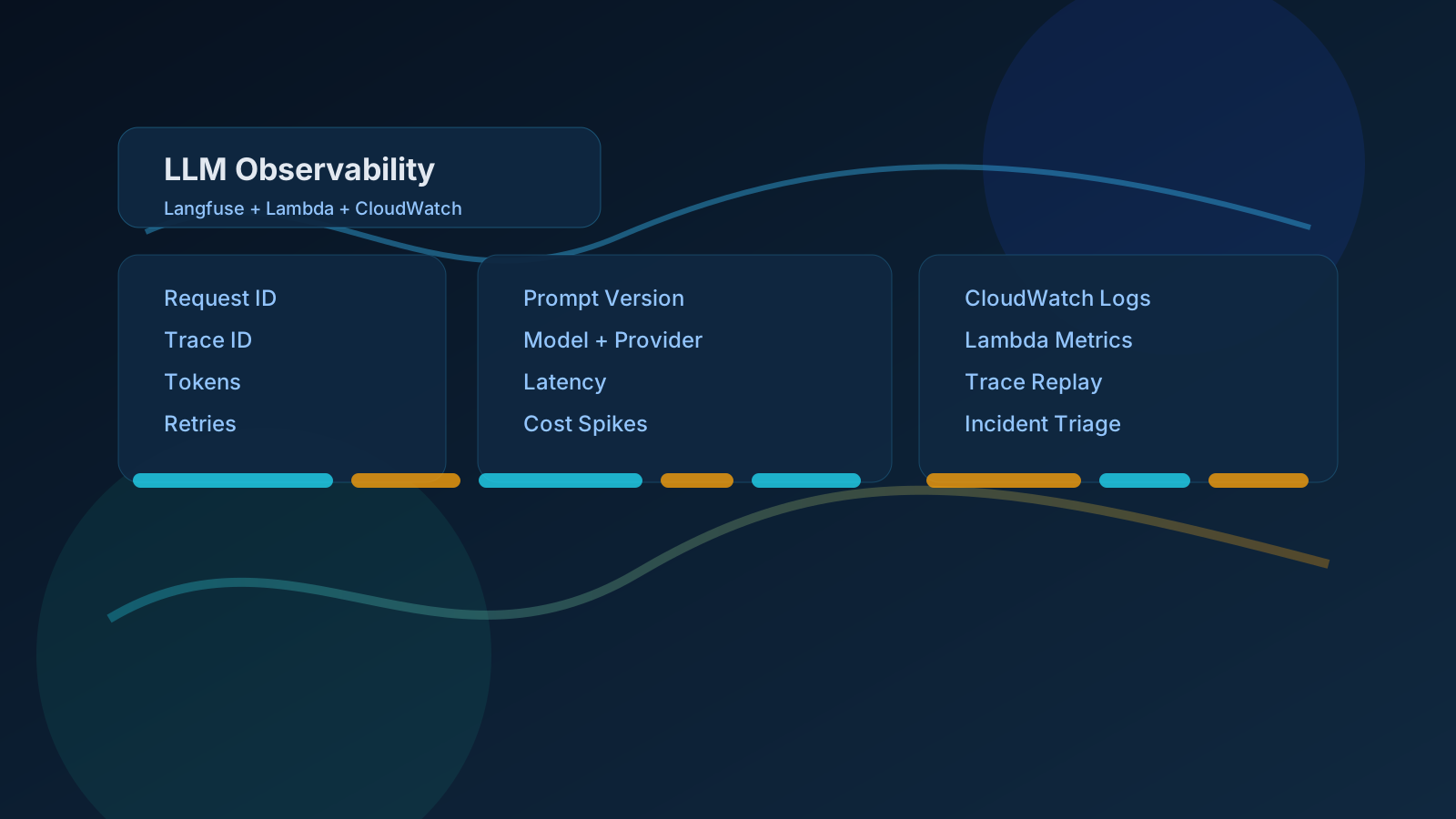
That means logs, metrics, and clear error handling. I want CloudWatch to tell me what changed, not force me to guess. I want deployment logs to show the exact step where a rollout stalled. I want alarms on the things that matter, not a flood of useless noise.
This is where a lot of AI workflow posts get too abstract. The real question is not "can the agent write code?" The real question is "can I tell what it did when something goes wrong?"
My answer is usually yes if I do three things well:
- log the important checkpoints
- keep changes small enough to trace
- use rollbacks that I can trust
When the agent is part of the workflow, observability becomes even more important. I do not want a mysterious change. I want a breadcrumb trail.
If I cannot explain what the agent changed and why, I do not ship it.
That is the safety layer that makes the whole thing workable in production.

Photo by [Efe Burak Baydar](https://www.pexels.com/@efeburakbaydar) on [Pexels](https://www.pexels.com/photo/outdoor-surveillance-camera-under-blue-sky-35380637/)
## The Rollout Flow I Actually Use
My safest workflow is simple.
First, I let the agent inspect the code and propose a patch. Then I review the patch myself. Then I run the tests. Then I deploy to a safe environment. Only after that do I let the change move closer to production.
If the task touches AWS infrastructure, I add another filter:
- check the diff for IAM or network changes
- confirm the blast radius
- review the rollback path
- make sure the deploy can fail cleanly
This is boring, and that is the point.
AI coding agents are most useful when they speed up the middle of the process, not when they replace the process. They help me get from idea to reviewable patch faster. They do not replace review, testing, or rollout discipline.
That is the real lesson. You do not make agents safe by hoping they behave. You make them safe by surrounding them with the same engineering habits that already keep the rest of your stack reliable.
Hope you enjoyed this one. If you want more practical AWS and AI engineering notes, follow me on X at https://x.com/harundotdev
On this post
Comments
A reply stays under the note it answers.
No comments yet.
If you have a note on How I Make AI Coding Agents Safe in a Real AWS Codebase, sign in and leave it.